
Windows :
How do I take a screenshot?
Press PrtScn = Windows takes a picture of the whole screen and puts it in the pasteboard.
How can I paste it into a document or image?
Open microsoft office or paint and hold Ctrl and press V = Windows pastes the screenshot into the program
Mac (OS X)
How do I take a screenshot?
Press ⌘ command along with ⇧ and press #3 = Mac OS X takes a picture of the whole screen and saves it as a file on the desktop.
How can I paste it into a document or image?
Press and hold ⌘ command along with V = Mac OS X pastes the screenshot (which is in the pasteboard) into a document or image you are editing.
screen movie / screen recording in MacOs Mojave
In macOS Mojave, press Shift-Command (⌘)-5 on your keyboard to see all the controls you need to record video and capture still images from your screen.
 Clear browser cache
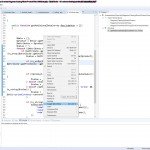 Wordwrap in Zend Studio 13
 How to submit project points, questions and feedback points to support
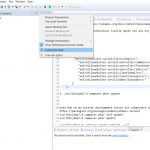 zend studio 13.6 make .htaccess and .zfproject.xml appear