
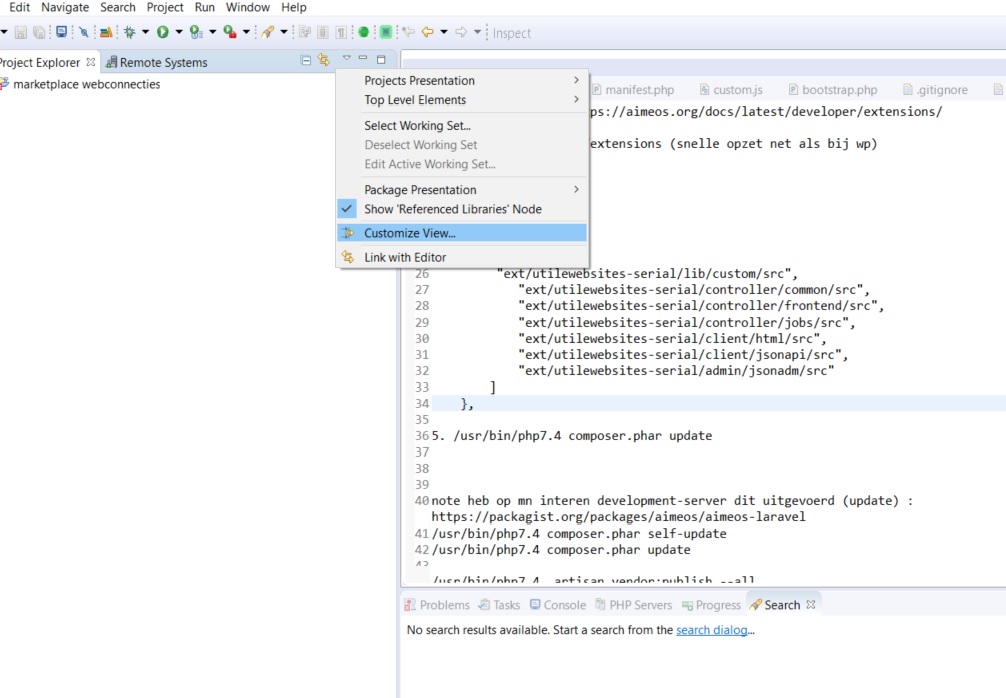
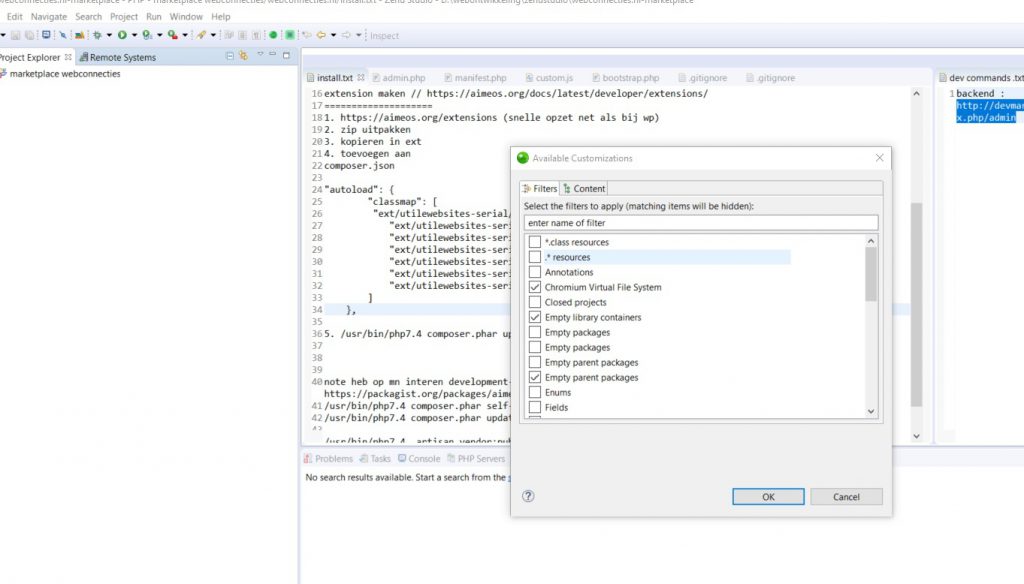
In the PHP Explorer window, you have on the top-right edge a triangle (showing downside). Click on it and choose "Filters...". Then uncheck ".* resources" and press "OK". Now the (unix)hidden files in are showing in your Zend Studio PHP Explorer.
--
In version 13.6
Project Explorer -> ▽ -> Customize View... -> Filters (tab)
Related Articles
 Powerful Render Server Cooling in a Compact Case: Airflow Optimization with Targeted Intake and Top Exhaust
  Overview Map: Open-Source AI Video & Image Models (January 2026)
  Discover ComfyUI: the modular visual AI engine for creative workflows
  Secure Headless Architecture with Ionic Vue and a PHP JWT API
  Run a Large Language Model (LLM) locally with Ollama